Post a Reel in the wrong size and Instagram will crop it, blur it, or bury it. Get the Instagram Reel dimensions right and your content looks sharp, fills the screen, and gets the algorithmic push it deserves. This is the complete, up-to-date guide to Reel sizes, aspect ratios, safe zones and export settings for 2026.
Instagram Reel Dimensions at a Glance
- Resolution: 1080 × 1920 pixels (Full HD vertical)
- Aspect ratio: 9:16
- Cover/thumbnail: 1080 × 1920 px (displays as 1:1 on the profile grid)
- Maximum file size: up to 4 GB
- Length: 3 seconds to 3 minutes (90 seconds is the sweet spot for reach)
- Format: MP4 (H.264) or MOV
- Frame rate: 24–60 fps (30 fps is standard)
- Minimum resolution: 720 px wide — anything lower looks soft
Why the 9:16 Aspect Ratio Matters
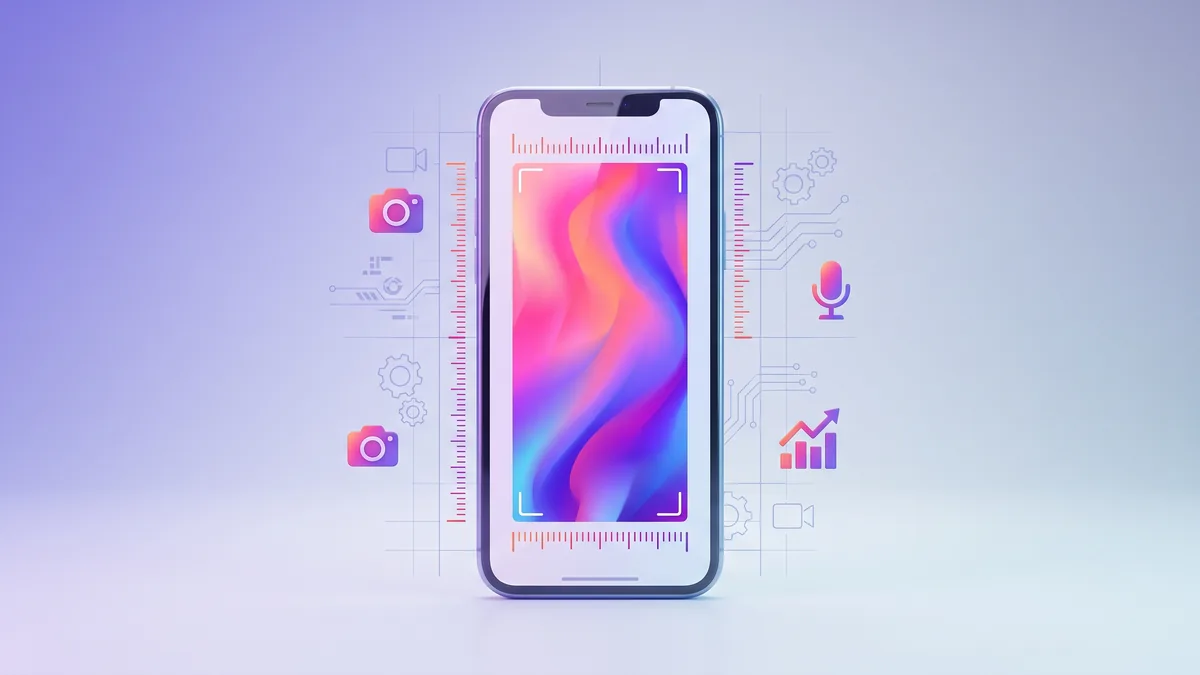
Instagram Reels are built for full-screen vertical viewing. The 9:16 aspect ratio (1080 × 1920 px) fills the entire phone screen edge to edge. If you upload a square (1:1) or landscape (16:9) video, Instagram either pillarboxes it with ugly bars or crops it unpredictably — and full-screen content consistently outperforms letterboxed content in watch time and reach.
The Instagram Reel Safe Zone
This is the single most overlooked detail. Instagram overlays your Reel with UI elements: the caption, your username, the audio label, and the like/comment/share/save buttons down the right side. Anything placed in those areas gets covered up.
Keep all important content — text, faces, logos, calls to action — inside the safe zone:
- Top: leave ~250 px clear (roughly the top 14%)
- Bottom: leave ~400–700 px clear (roughly the bottom 20–35%) for the caption and action buttons
- Right side: leave ~100 px clear for the vertical button stack
Center your key message vertically and you will never lose it behind a button again.
Reel Cover / Thumbnail Dimensions
Your cover image should also be 1080 × 1920 px. But here is the catch: on your profile grid, Instagram shows a center-cropped 1:1 square of that cover. So design your thumbnail with the key visual centered, or it will look off on your grid. You can upload a custom cover or choose a frame from the Reel itself.
Best Export Settings for Maximum Quality
Instagram compresses every upload, so start with the highest quality possible to survive compression:
- Export at 1080 × 1920 px, never lower
- Use H.264 codec with a bitrate of 10–15 Mbps
- Upload over Wi-Fi — Instagram compresses cellular uploads more aggressively
- Keep the file under 4 GB and the length under 90 seconds for best reach
Common Reel Sizing Mistakes to Avoid
- Uploading horizontal video — it gets shrunk into a tiny center strip.
- Putting captions too low — they vanish behind Instagram's own caption and buttons.
- Exporting at 720p or lower — looks soft after Instagram's compression.
- Ignoring the grid crop — a great cover can look broken on your profile.
Get Your Reels Seen
Perfect dimensions get you in the door, but reach is what turns a good Reel into a viral one. Instagram pushes Reels that gather views and engagement quickly. If you want to give a strong Reel the early momentum it needs, you can boost it with Instagram views and pair it with Instagram likes so the algorithm sees real traction. Build your overall authority with Instagram followers and every new Reel starts with a bigger built-in audience.
Quick Reference
For 2026, the winning Reel formula is simple: 1080 × 1920 px, 9:16, MP4/H.264, under 90 seconds, key content in the safe zone. Nail those specs every time and your Reels will always look professional and get the reach they deserve.